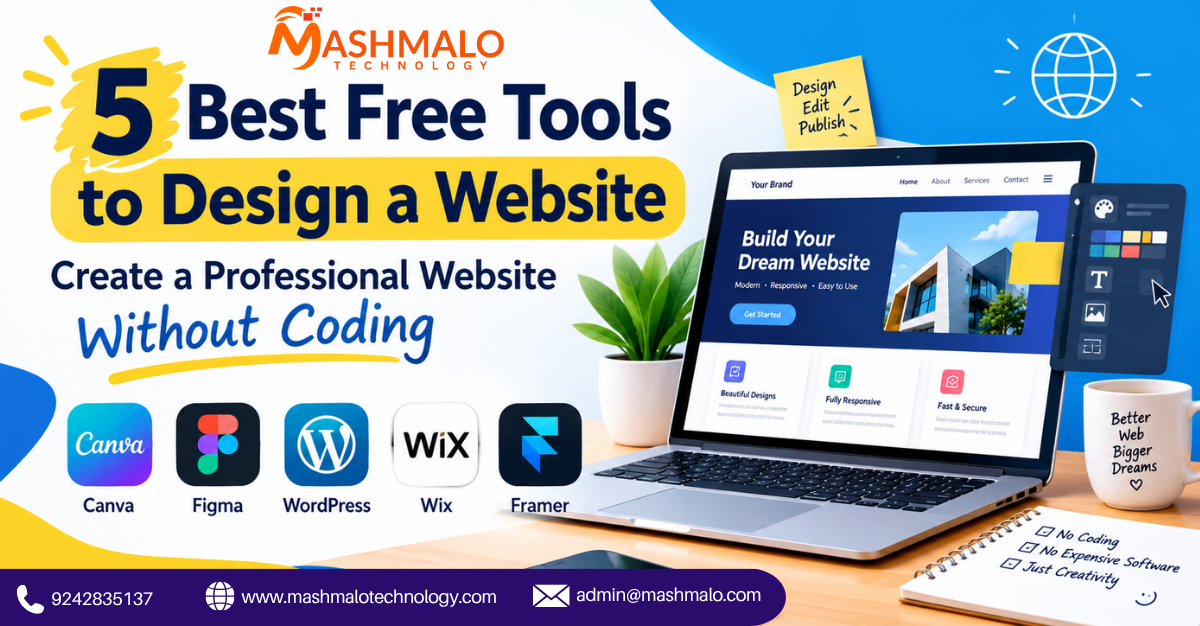
5 Best Free Tools to Design a Website: Create a Professional Website Without Coding
Creating a website no longer requires advanced coding skills or expensive software. Today, several free website design tools allow beginners, freelancers, students, and small businesses to create professional-looking websites with simple drag-and-drop features, templates, and ready-made design elements.
Whether you want to create a business website, portfolio, landing page, blog, or online store, choosing the right tool can make the design process faster and easier. Here are five of the best free tools you can use to design a website.
1. Canva
Canva is one of the easiest design platforms for beginners. It offers a large collection of website templates, graphics, icons, fonts, images, and other design elements. You can customize templates using a simple drag-and-drop editor without writing code.
Canva is especially useful for creating website layouts, landing pages, portfolios, and visual mockups. Its free plan provides many useful design resources, making it a good option for users who want to focus on visual design.
2. Figma
Figma is a popular cloud-based UI/UX design tool used for creating website layouts and prototypes. It allows designers to create complete website interfaces, wireframes, buttons, navigation menus, and responsive layouts.
One of Figma's biggest advantages is collaboration. Multiple people can work on the same design online, making it useful for design teams, developers, and clients. Its free plan is suitable for beginners who want to learn professional website interface design.
3. WordPress.com
WordPress.com provides an easy way to create and manage websites without having to build everything from scratch. Users can choose from ready-made themes and customize their website's appearance, pages, menus, and content.
It is useful for blogs, personal websites, small business websites, and content-based websites. Beginners can start with the free plan and upgrade later if they need additional features.
4. Wix
Wix is a beginner-friendly website builder that offers a visual editor and ready-to-use templates. You can customize different sections of a website, including text, images, buttons, menus, and layouts.
Wix is useful for people who want to create a complete website without dealing with complicated coding. The free version allows users to experiment with website creation before moving to a paid plan.
5. Framer
Framer is a modern website design and publishing platform that combines design and website creation features. It is particularly useful for creating modern landing pages, portfolios, startup websites, and visually impressive business websites.
Its visual editing tools allow designers to create layouts and interactions while also giving them the option to publish websites. Beginners may need some time to learn the platform, but it can be useful for creating modern web experiences.
Final Thoughts
Free website design tools have made it much easier to start creating websites without a large budget. Canva is useful for simple visual layouts, Figma is excellent for UI/UX design and prototypes, WordPress.com is suitable for content-based websites, Wix provides an easy website-building experience, and Framer is useful for modern web designs.
The right tool depends on your project, design experience, and website requirements. If you are a beginner, start with a simple platform and gradually explore advanced design features as your skills improve.